If you want to root your android device or want to enjoy custom ROMs then you probably have to perform bootloader unlock. In this tutorial we will show you how you can unlock bootloader on Poco X3 Pro. The steps involved are quite simple and easy to follow. Just follow along and you will be able to unlock bootloader on Poco X3 Pro for free.
Prerequisites
- Unlocking bootloader fully restores device to factory settings and all of the data is wiped. Therefore, it is important that you backup your data. You can find the step by step tutorial on how to backup data on android device here.
- You will also need to unlock the Developer Options, we will discuss this below.
- Tools such as Mi Unlock and abd setup are also required to complete the bootloader unlocking.
- Finally make sure that you have a Mi Account and a SIM card with data.
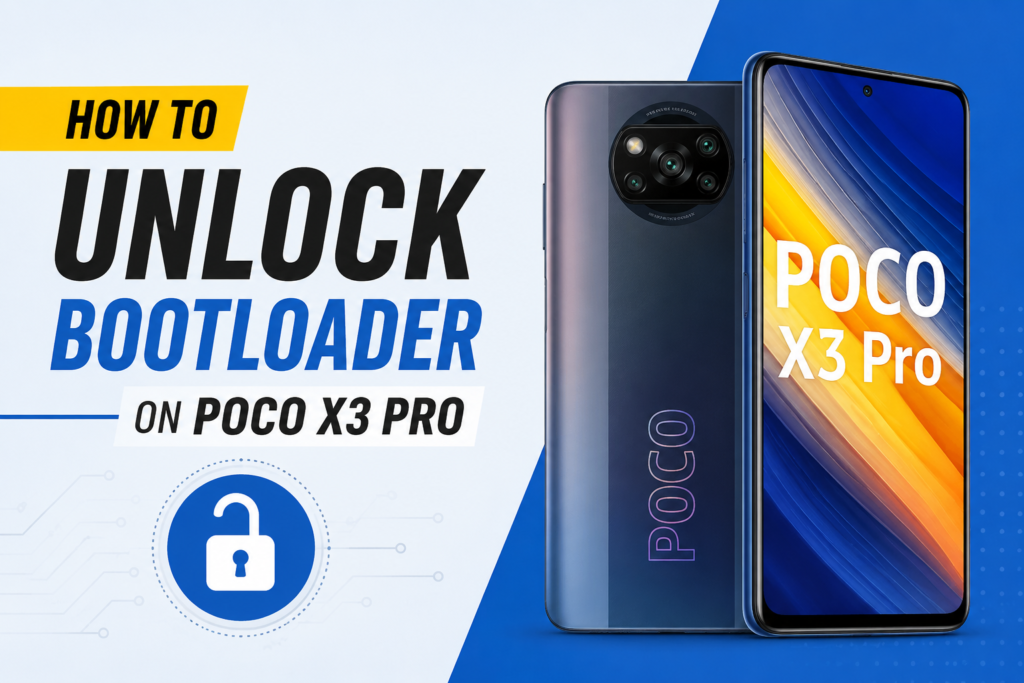
Unlock Bootloader on Poco X3 Pro
- Unlock Developer Options by going to Settings > About Phone and then tap on MIUI Version multiple times. You will see a pop saying “you are developer now”, it means you have unlocked the Developer Options.
- Go to Settings > Additional Settings > Developer Options and toggle on the OEM Unlocking and USB Debugging.
- Go to Mi Account in Settings and login to you Mi account. If you don’t have one, then create it.
- Now go to Developer Options > Mi Unlock Status. Turn off your WIfi and turn on Mobile Data and then tap on Add Account and Device. Accept the terms and conditions and your Mi account will automatically be added.
- In case you get the “Couldn’t add” error, go to Settings > Mi Account > Xiaomi Cloud. Turn on the Find Device and grant permission to all the options. And finally perform a logout login of your Mi Account once. Hopefully, you will be able to add account under Mi Unlock status now.
Fastboot and Bootloader Unlock
- Download the Mi Unlock Tool [here] and adb setup [here] on your PC. Run the abd setup and install everything, it will install all android drivers on your PC. Unzip the Mi Unlock Tool and run miflash_unlock. Accept the terms and conditions and login to your Mi Account.
- Turn off your Poco X3 Pro and then press and hold Volume down button and Power button. Once you see a Fastboot logo, let go off the buttons.
- Connect your Poco X3 Pro to your PC using USB cable and proceed with Unlock process on the Mi Unlock Tool. Follow the onscreen instructions, they are pretty straight forward.
- On the first attempt the phone will not unlock and you will be told to wait 168 hour (7 days) to perform the second attempt.
- During those 168 hours please make sure not to logout of your Mi Account on your Poco X3 Pro. Also do not do anything in the Mi Unlock Status under Developer Options.
- After 168 hours, boot your Poco X3 Pro in Fastboot mode. Run the miflash_unlock and connect your phone to PC while in Fastboot mode.
- Follow the onscreen unlocking process and wait to unlocking to complete.
- Congratulations! You have successfully unlocked bootloader on Poco X3 Pro.
You can check if you have successfully unlocked the bootloader or not by going to Developer Options > Mi Unlock Status. You will see “this device is unlocked” there.
If you like the tutorial on unlock bootloader on Poco X3 Pro then be sure to like our page. You can also find bootloader unlock tutorials on other devices as well. Let us know in the comments below if you want any other tutorial.